Built for flow
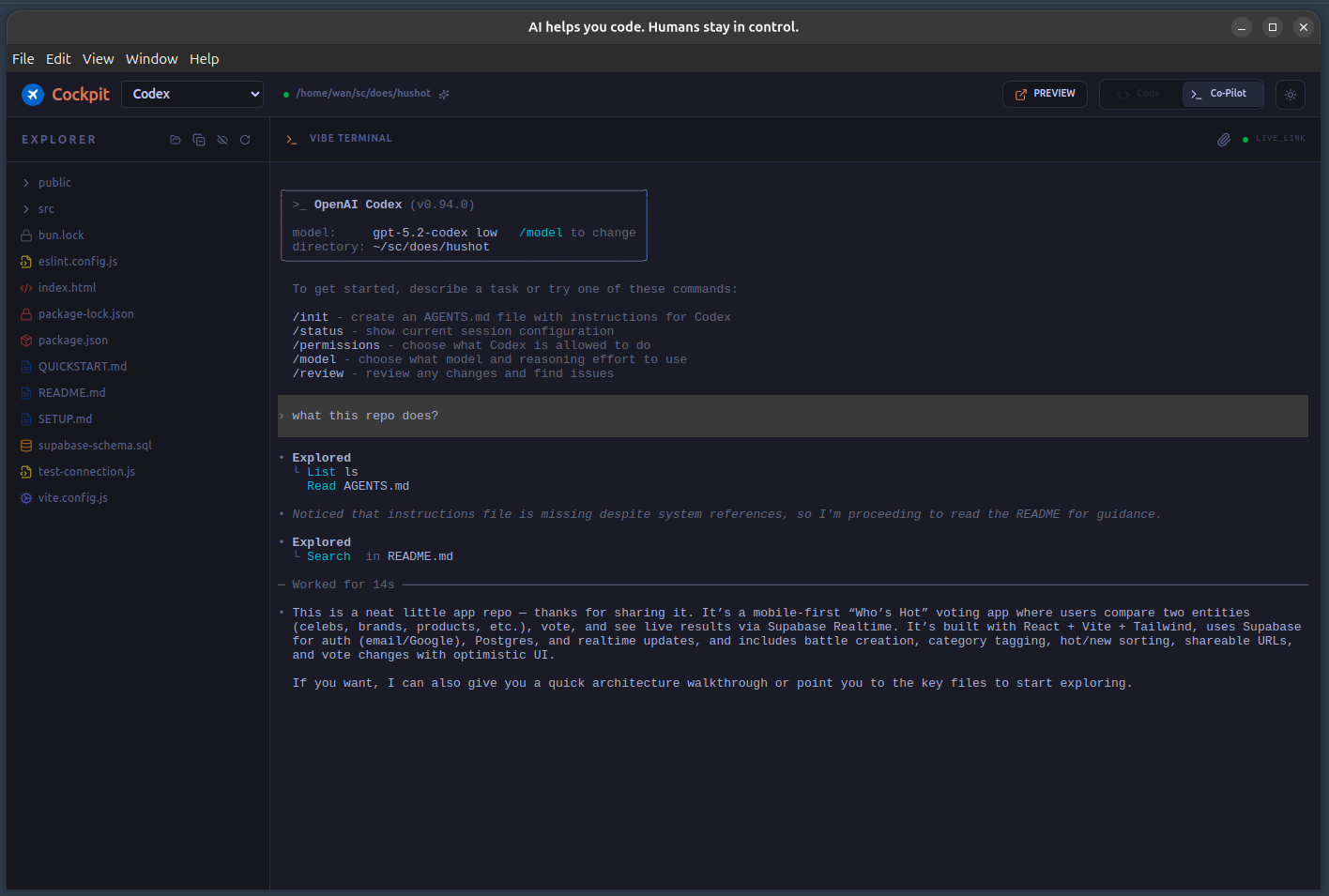
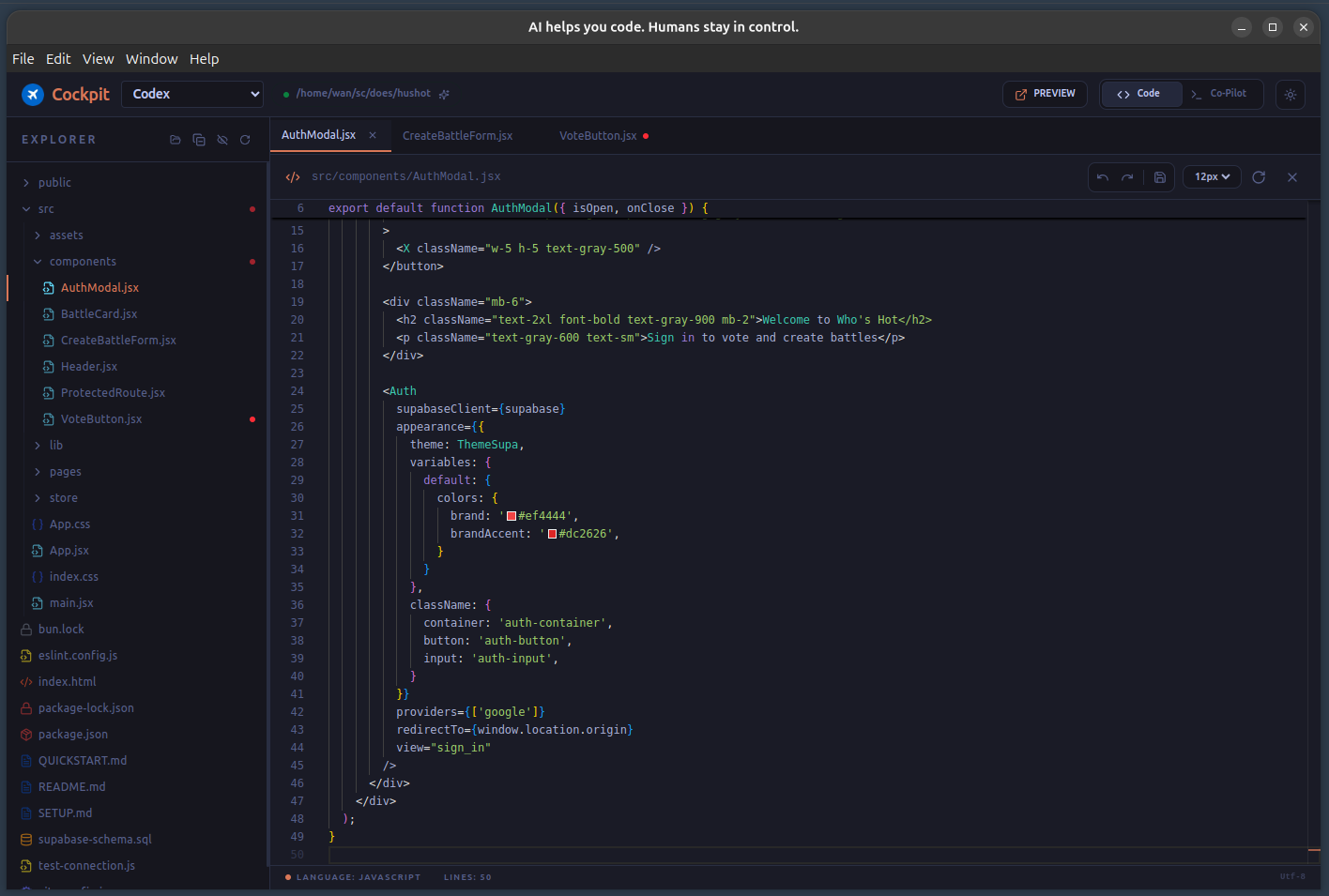
A modern interface that gets out of your way.
View Fullscreen
View Fullscreen
A modern interface that gets out of your way.
A workflow designed for trust, not just speed.
Ask your favorite local CLI (Claude Code, Gemini, OpenCode, etc.) to explain, refactor, or extend your code. Everything starts with your command.
All changes arrive as structured proposals with clear diffs, regardless of which CLI engine generated them.
Apply, edit, or reject at the hunk-level. Undo works by replay, not magic. You are always in control.
Cockpit doesn't lock you into a single model. It orchestrates the AI tools you already have installed locally, giving you a unified GUI for your favorite terminal-based agents.
Agentic coding from Anthropic, right in your Cockpit workflow.
Power your edits with Google’s Gemini models via local execution.
Integrate popular community agents and specialized coding assistants.
If it runs in your terminal, it can run in Cockpit. Full local control.
Most AI coding tools optimize for speed.
Cockpit optimizes for trust.
We don’t let AI type directly into your codebase. We force it to explain itself first. That single constraint prevents tomorrow’s cleanup work from becoming today’s hidden debt.
Review before you commit.
Background edits are blocked.
Event-driven history.
Strict context injection.
Move fast without becoming someone else’s cleanup problem. Keep the flow state alive while AI handles the grunt work safely.
Review AI-generated work like real code, not a guessing game. Enforce standards without being the bad guy.
Scale AI adoption without scaling technical debt. Maintain code quality at speed.
Get early access to unreleased and experimental features with Cockpit Preview
Trusted by developers at the world's most innovative companies